Mastering 3D Photo Scanning with Photogrammetry in Blender
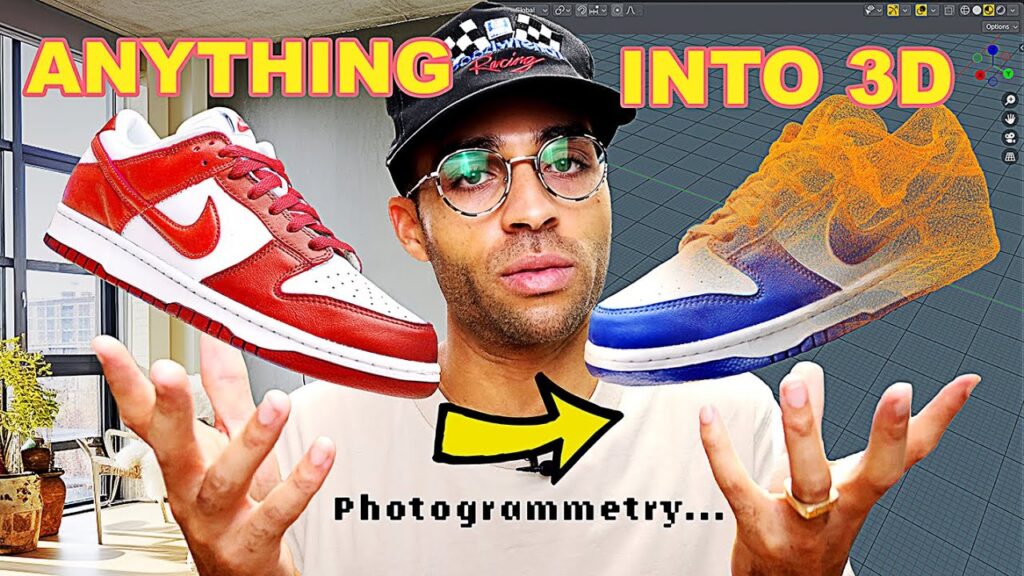
This tutorial from Popular Imagination turns a real object (a shoe) into a usable 3D model using nothing more than a camera, the Polycam app and Blender. At about 20 minutes it is one of the quickest end-to-end photogrammetry walk-throughs around.
What you will learn
- The minimal tools and a simple capture setup
- How to photograph an object so the software can reconstruct it
- Processing the photo set into a mesh in Polycam
- Importing the model into Blender, cleaning up stray geometry and setting up textures and HDRI lighting
Where it fits
If you want to compare Polycam with desktop tools such as Metashape or RealityCapture, see our round-up of 3D reconstruction software and the step-by-step guide to turning photos into 3D models.