Mastering 3D Photography: A Workflow with Metashape and Blender
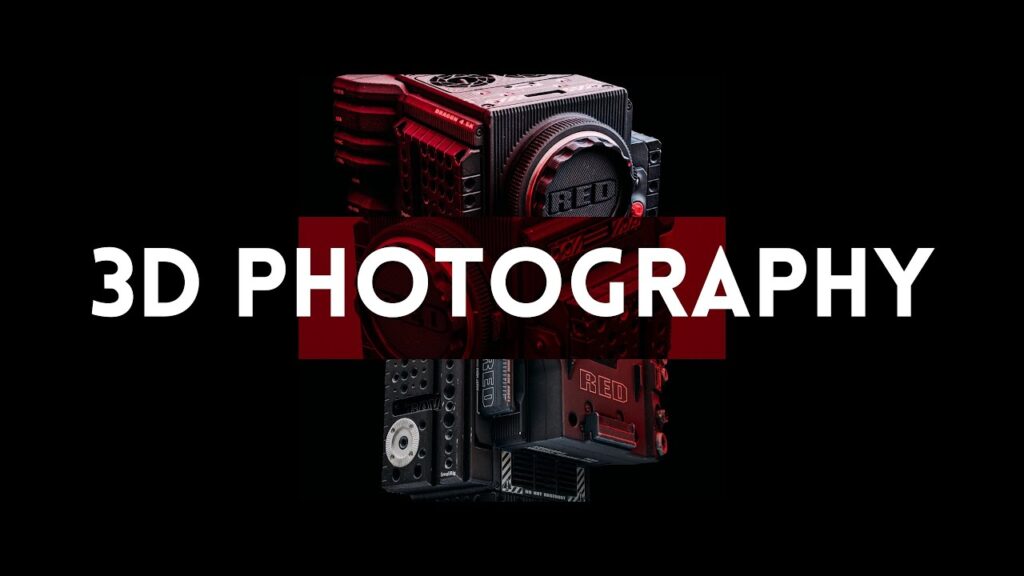
Imagine relighting a product in seconds, with lenses you do not own and gear you do not have. In this 22-minute video, Tristan Gramling explains how he created photorealistic renders of his RED camera using Agisoft Metashape for photogrammetry and Blender for lighting and rendering, with no studio space, stands or lights.
What you will learn
- The overall capture-to-render workflow
- How a scanned asset becomes a flexible, relightable product shot
- Where Metashape ends and Blender begins
Go deeper
See how Metashape compares with other tools in our photogrammetry software guide, and learn the photorealism side in 3D photorealism techniques.