Top 3D Editing Tools for Beginners in 2026
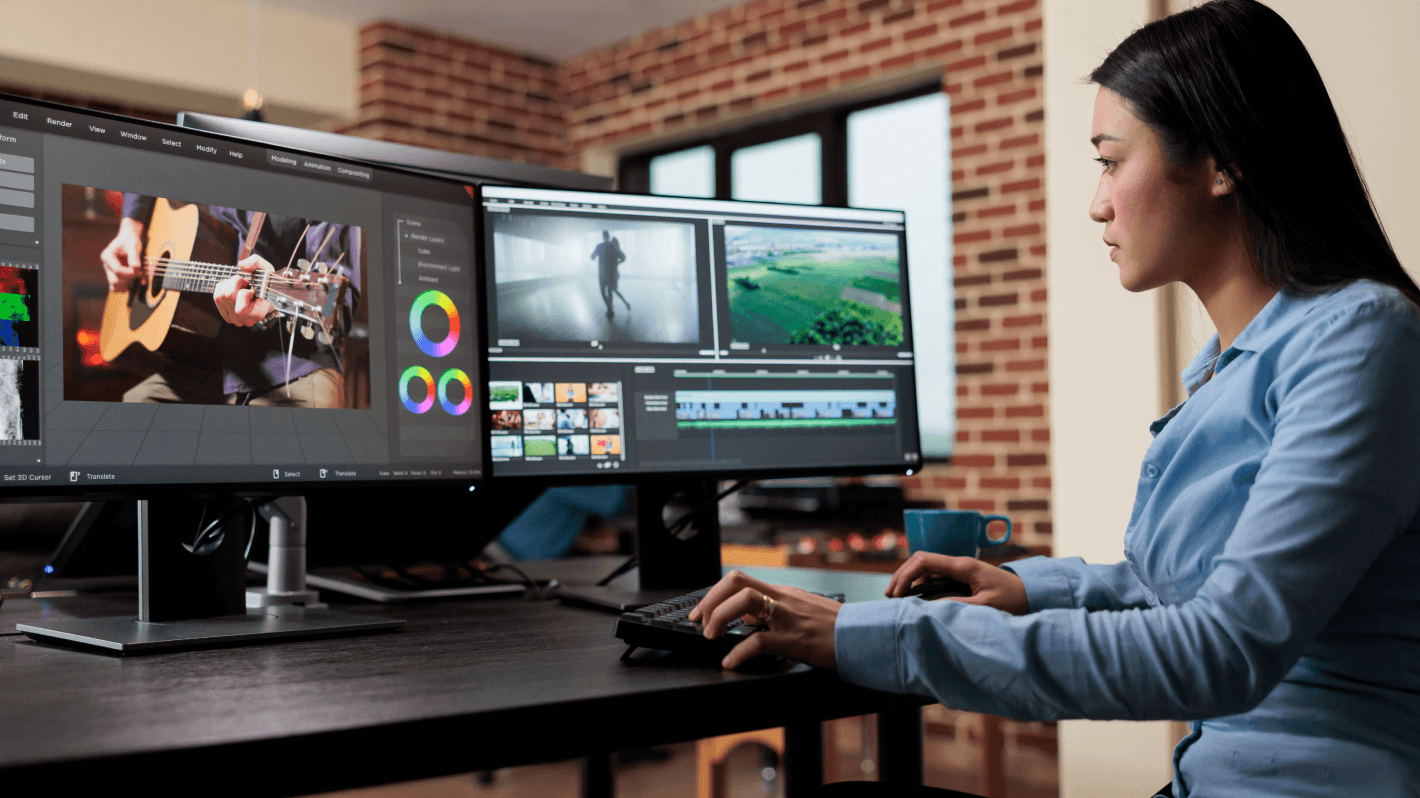
As the world of digital media continues to evolve, 3D modeling and animation have become increasingly accessible to beginners and hobbyists. Whether you’re interested in creating stunning visual effects, designing intricate models, or simply exploring the wonders of virtual space, having the right 3D editing tools can make all the difference. In 2026, several innovative and user-friendly 3D editing tools have emerged, catering specifically to beginners. This article will explore the top 3D editing tools that are perfect for those taking their first steps into the dynamic world of 3D design.
Blender
Blender stands out as one of the most popular and versatile 3D editing tools available today. It is an open-source software that offers a comprehensive suite of tools for modeling, rigging, animation, simulation, rendering, compositing, and motion tracking. Blender is renowned for its powerful capabilities and the fact that it is entirely free, making it an excellent choice for beginners.
Features
Blender includes a wide array of features that cater to both beginners and experienced users. Some of the key features include:
- Advanced sculpting and modeling tools
- Real-time viewport preview with Eevee
- Powerful physics and particle simulation
- Comprehensive rendering options, including Cycles and Eevee
User-Friendly Interface
While Blender is known for its steep learning curve, recent updates have made significant improvements to its user interface, making it more accessible to beginners. The software offers extensive tutorials and a robust community that provides support and resources for new users.
Tinkercad
Tinkercad is a web-based 3D design and modeling tool developed by Autodesk. It is specifically designed for beginners and educators, offering an easy-to-use platform that introduces users to the basics of 3D design. Tinkercad is ideal for creating simple models and prototypes, making it a popular choice among educators and hobbyists.
Features
Tinkercad provides a range of features tailored for beginners, including:
- Intuitive drag-and-drop interface
- Predefined shapes and objects for easy modeling
- Integration with 3D printing services
- Online community and resources for learning
Educational Focus
Tinkercad is widely used in educational settings due to its simplicity and ease of use. It allows users to quickly create and modify designs, making it an excellent tool for teaching basic 3D modeling concepts. The platform also supports exporting models for 3D printing, encouraging hands-on learning and creativity.
SketchUp
SketchUp is a user-friendly 3D modeling software that caters to a wide range of users, from architects and designers to hobbyists and beginners. Known for its intuitive interface and ease of use, SketchUp provides a seamless experience for those new to 3D modeling.
Features
SketchUp offers a variety of features that make it a popular choice for beginners, including:
- Push-and-pull tool for easy shape manipulation
- Extensive library of pre-built models and components
- Integration with Google Earth for geographical modeling
- Support for plugins and extensions to enhance functionality
Accessible Learning Curve
SketchUp’s straightforward approach to modeling makes it an ideal tool for beginners. The software provides numerous tutorials and resources to help new users get started quickly. Its extensive library of models and components also allows users to explore and experiment with different designs effortlessly.
Conclusion
As the demand for 3D modeling and design continues to grow, having access to user-friendly and versatile tools is crucial for beginners. Blender, Tinkercad, and SketchUp are among the top 3D editing tools in 2026, each offering unique features and capabilities that cater to new users. Whether you’re interested in creating detailed animations, simple prototypes, or architectural designs, these tools provide a solid foundation for exploring the exciting world of 3D design. With the right tools and resources, anyone can begin their journey into 3D modeling and unleash their creativity in the digital realm.





Post Comment