Top 3D Workflow Software for Streamlined Design Process
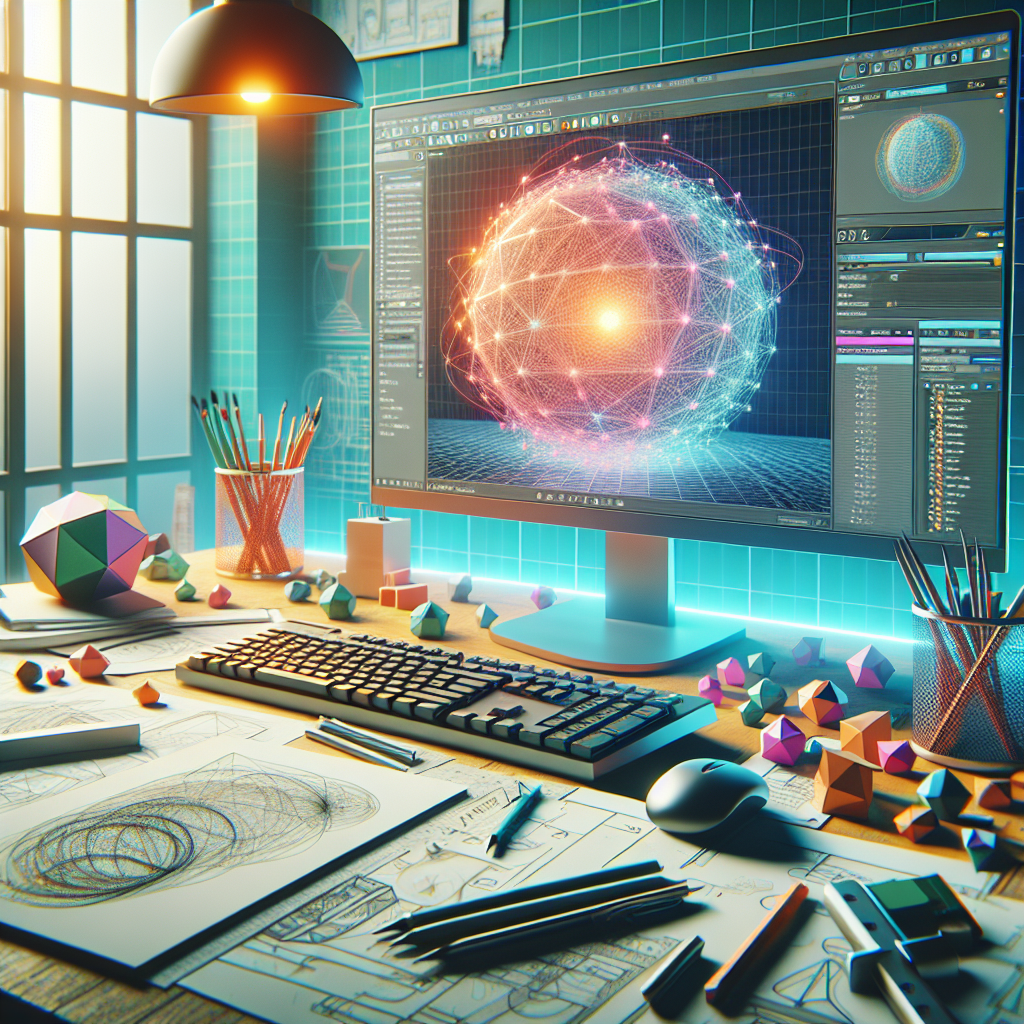
In the rapidly evolving world of 3D design, having the right tools can make a significant difference in productivity and creativity. Whether you’re working on intricate animations, architectural visualizations, or product modeling, a streamlined workflow is essential for efficiency and quality. This article explores some of the top 3D workflow software that can enhance your design process, making it seamless and effective.
Autodesk Maya
Autodesk Maya is a powerhouse in the 3D modeling and animation industry. Known for its versatility and robust feature set, Maya is a go-to software for professionals in film, television, and game development. Its comprehensive toolkit allows artists to create stunning 3D models, animations, and visual effects.
Key Features
- Complete 3D Animation Solution: Maya offers tools for modeling, texturing, rendering, and animation, making it a comprehensive solution for 3D artists.
- Advanced Dynamics and Effects: With features like Bifrost for creating complex simulations and Arnold for high-quality rendering, Maya allows for the creation of realistic effects.
- Python and MEL Scripting: These scripting languages allow for customization and automation of repetitive tasks, enhancing workflow efficiency.
Benefits
Maya’s intuitive interface and extensive toolsets allow artists to focus on creativity rather than getting bogged down by technical constraints. Its integration with other Autodesk products also allows for a smooth transition between different stages of the design process, enhancing collaboration and productivity.
Blender
Blender, an open-source 3D creation suite, has been rapidly gaining popularity due to its powerful features and zero cost. Suitable for a wide range of applications, from 3D modeling and sculpting to video editing and game creation, Blender is a versatile tool for artists and designers.
Key Features
- Comprehensive Toolset: Blender offers features such as modeling, UV mapping, texturing, rigging, skinning, fluid and smoke simulation, particle simulation, and more.
- Cycles Rendering Engine: A path-tracing engine that delivers stunning and realistic results, Cycles is a standout feature of Blender.
- Python API: Blender’s Python API offers powerful scripting capabilities, allowing for extensive customization and automation.
Benefits
As an open-source project, Blender not only provides a free platform for 3D creation but also fosters a strong community of developers and users. This community contributes to a wealth of tutorials, plugins, and ongoing improvements, making Blender a continually evolving tool that adapts to the needs of its users.
SideFX Houdini
Houdini by SideFX is renowned for its procedural generation capabilities, making it an invaluable tool for creating complex simulations and visual effects. Used extensively in the film and game industries, Houdini’s node-based workflow allows artists to create intricate and detailed animations with relative ease.
Key Features
- Procedural Workflow: Houdini’s node-based approach allows for a non-destructive workflow, enabling artists to make changes at any stage without starting over.
- VFX Tools: With powerful tools for creating smoke, fire, fluids, and destruction effects, Houdini is ideal for VFX-heavy projects.
- Compositing and Rendering: Built-in compositing and the Mantra rendering engine provide a complete package for creating high-quality animations.
Benefits
Houdini’s procedural nature not only speeds up the workflow but also offers flexibility and control, allowing artists to experiment with different effects and quickly iterate on their designs. Its integration with other software tools and support for industry-standard formats further enhances its utility in a production pipeline.
Comparative Analysis
While each of these software options has its strengths, the choice largely depends on the specific needs of the project and the user’s experience level. Maya is an excellent choice for those who need a comprehensive suite with a focus on animation and effects. Blender offers a no-cost solution with a wide array of features and a strong community backing. Houdini stands out for projects requiring complex simulations and procedural workflows.
Conclusion
Choosing the right 3D workflow software involves considering factors such as project requirements, budget, and the desired level of customization and control. Each of the software options discussed offers unique features that can significantly enhance the 3D design process. By leveraging these powerful tools, designers can streamline their workflows, unlock new creative possibilities, and produce high-quality results.
As the field of 3D design continues to grow and evolve, staying informed about the latest tools and technologies is crucial. Whether you’re a seasoned professional or just starting, investing time in learning and mastering these software solutions can open up new opportunities and elevate your work to new heights.
#ChatGPT assisted in the creation of this article.









Post Comment