Mastering 3D Post Processing for Stunning Visuals
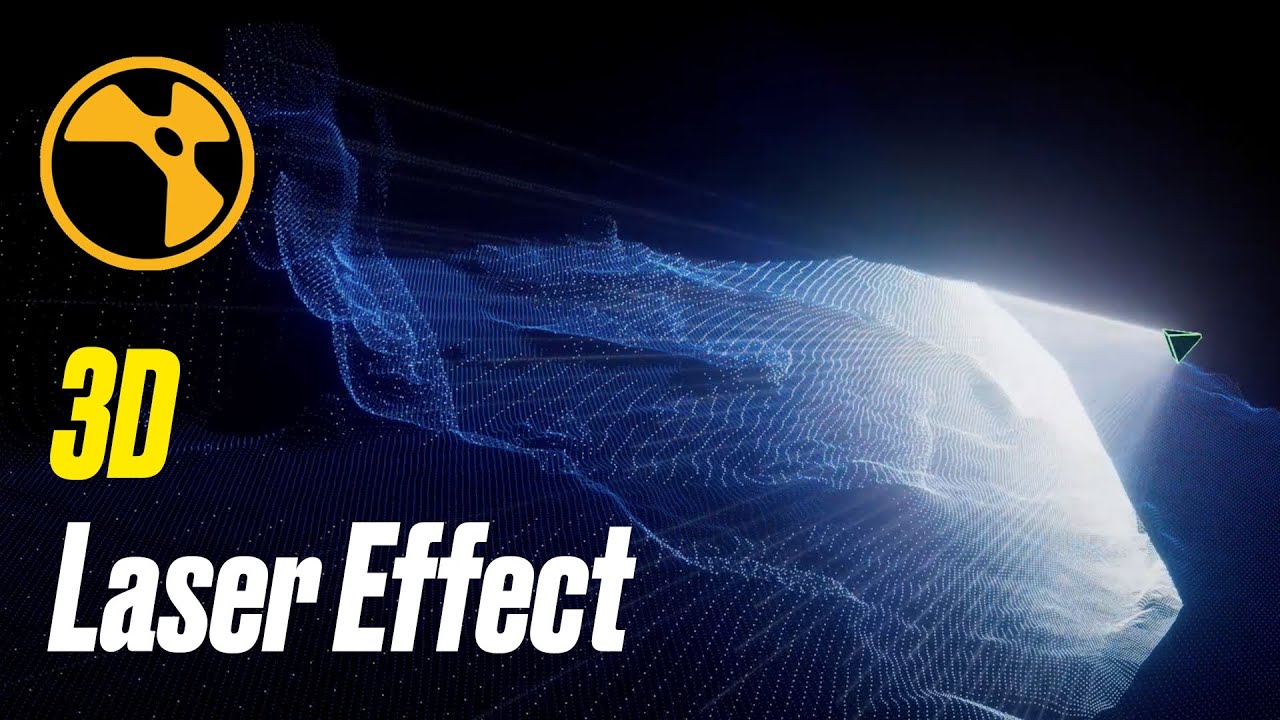
3D Post Processing
The world of 3D graphics is an ever-evolving landscape of technology and creativity. As 3D artists, animators, and designers strive to push the boundaries of what’s possible, mastering the art of post-processing becomes an essential skill. Post-processing in 3D graphics involves refining and enhancing rendered images to achieve a polished, visually stunning final product. In this article, we’ll delve into the techniques and tools that can elevate your 3D visuals to new heights.
Understanding the Basics of 3D Rendering
Before diving into post-processing, it’s crucial to understand the fundamentals of 3D rendering. Rendering is the process of generating a 2D image or animation from a 3D scene. This involves calculating lighting, shadows, textures, and colors to create a realistic or stylized representation of the scene. While rendering engines have become incredibly powerful, the raw output often requires additional refinement to achieve the desired artistic effect.
The Role of Post Processing in 3D Graphics
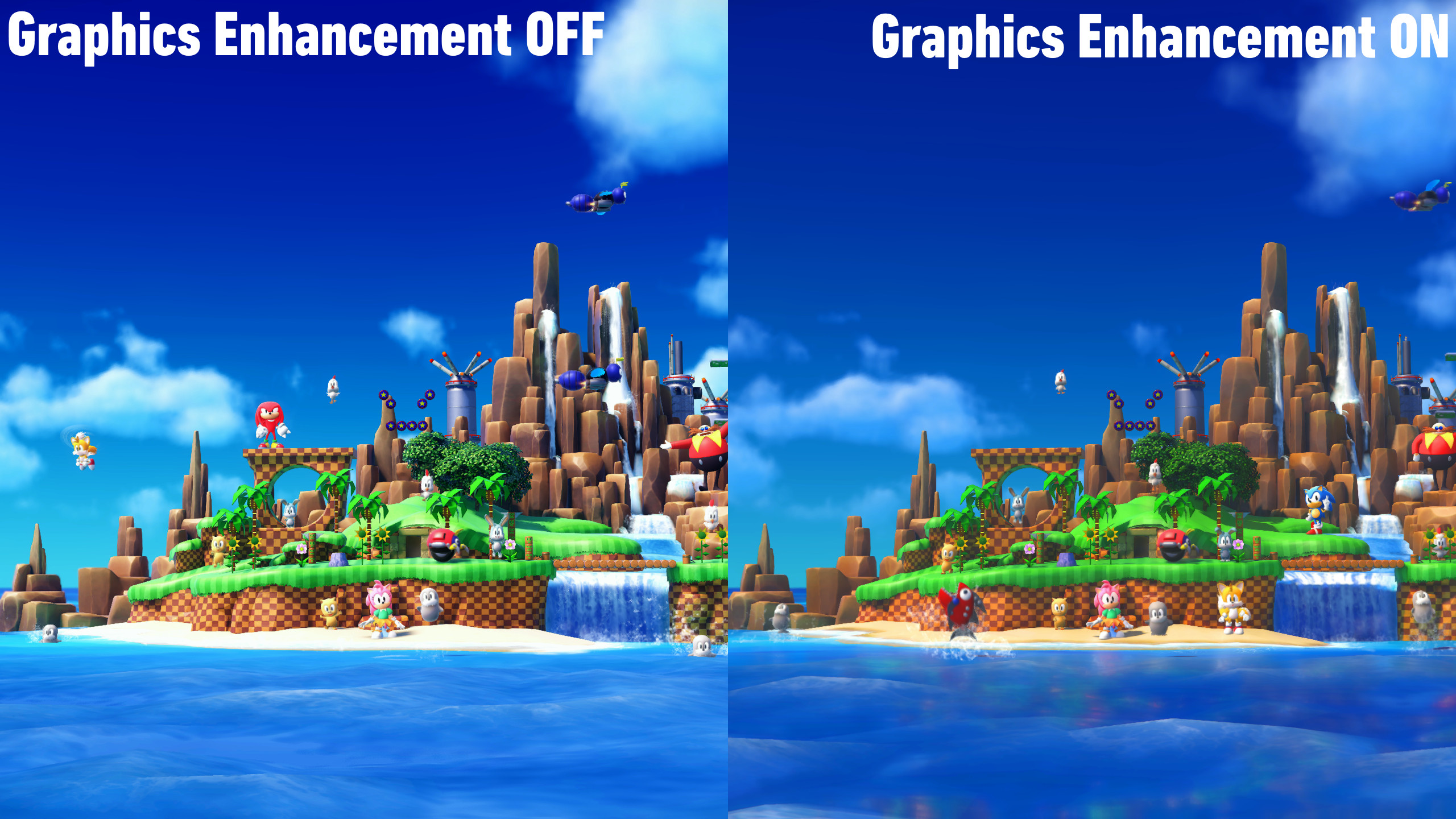
Post-processing is the final step in the 3D graphics pipeline, where rendered images are fine-tuned to enhance their visual appeal. This stage involves applying various effects and adjustments to achieve a cohesive and polished look. Common post-processing techniques include color grading, depth of field, bloom, motion blur, and ambient occlusion. Mastering these techniques can make the difference between a good render and a breathtaking visual masterpiece.
Color Grading
Color grading is the process of adjusting the colors and tones of an image to achieve a specific mood or atmosphere. In 3D post-processing, color grading can be used to enhance the visual storytelling of a scene. Tools like Adobe Photoshop, DaVinci Resolve, or integrated software features in 3D applications allow artists to tweak contrast, saturation, and hue to match the desired aesthetic.
Depth of Field
Depth of field (DoF) is a photographic effect that simulates the focus range of a camera lens. By blurring parts of the image that are out of focus, DoF helps guide the viewer’s attention to the subject of interest. In 3D graphics, DoF can be achieved through rendering engines or post-processing tools, allowing for greater control over the visual composition.
Bloom and Glare
Bloom and glare effects replicate the natural bleeding and scattering of light that occurs in real-world optics. These effects are particularly useful for emphasizing bright areas and creating a sense of realism in scenes with strong lighting. By adjusting bloom parameters, artists can add a soft glow to highlights, enhancing the overall visual appeal of the scene.
Motion Blur
Motion blur is a technique used to convey movement and speed in still images and animations. By blurring the motion of objects, this effect creates a sense of dynamism and realism. Motion blur can be applied during rendering or added in post-processing, offering flexibility in achieving the desired level of motion realism.
Ambient Occlusion
Ambient occlusion is a shading technique that simulates the subtle shadowing that occurs in areas where surfaces meet. This effect adds depth and realism to 3D scenes, enhancing the perception of volume and space. In post-processing, ambient occlusion can be adjusted to achieve the desired level of shadow detail, contributing to a more lifelike visual experience.
Tools and Software for 3D Post Processing
The choice of tools and software plays a significant role in the post-processing workflow. Here are some popular options for 3D artists looking to enhance their visuals:
Adobe Photoshop
Adobe Photoshop is a versatile tool for post-processing 3D renders. It offers a wide range of features for color correction, compositing, and applying various effects. With its powerful layer-based editing capabilities, artists can experiment with different adjustments and effects to achieve the desired look.
DaVinci Resolve
Originally designed for color grading in film production, DaVinci Resolve has become a popular choice for post-processing 3D renders. Its comprehensive color correction tools and node-based workflow make it ideal for achieving precise color grading and visual effects.
Blender
Blender is a free and open-source 3D software that includes powerful post-processing capabilities. With its compositor, artists can create complex effects and adjustments directly within the software, streamlining the workflow and reducing the need for external applications.
Nuke
Nuke is a high-end compositing software widely used in the film and visual effects industry. It offers advanced node-based compositing tools for integrating 3D renders with live-action footage, making it a valuable asset for artists working on complex projects.
Tips for Mastering 3D Post Processing
Achieving stunning visuals in 3D post-processing requires a combination of technical skills and artistic sensibility. Here are some tips to help you master the art of post-processing:
Understand the Artistic Vision
Before starting the post-processing phase, have a clear understanding of the artistic vision for the project. Consider the mood, atmosphere, and narrative you want to convey through the visuals. This will guide your decisions in applying color grading, effects, and adjustments.
Experiment with Different Techniques
Post-processing offers a wide array of techniques and effects. Don’t be afraid to experiment and try different approaches to see what works best for your project. Each scene may benefit from a unique combination of effects, so be open to exploring new possibilities.
Maintain Consistency
Consistency is key to creating a cohesive visual experience. Ensure that the post-processing techniques applied to different shots or scenes align with the overall style and tone of the project. Consistent color grading, lighting, and effects will contribute to a unified and polished final product.
Pay Attention to Detail
Details can make a significant difference in the final outcome of your 3D render. Pay attention to small adjustments that enhance realism, such as subtle shadowing, highlights, and reflections. These details contribute to the overall believability and impact of the visual.
Stay Updated with Industry Trends
The field of 3D graphics is constantly evolving, with new tools and techniques emerging regularly. Stay updated with industry trends and advancements in post-processing technology to keep your skills relevant and competitive. Engage with online communities, attend workshops, and explore tutorials to continue learning and improving.
Conclusion
Mastering 3D post-processing is a journey that combines technical expertise with artistic vision. By understanding the fundamentals of rendering and exploring a variety of post-processing techniques, artists can create stunning visuals that captivate and inspire. Whether you’re aiming for photo-realism or stylized artistry, the tools and skills discussed in this article will help you elevate your 3D renders to new levels of excellence. Embrace the power of post-processing, and let your creativity shine through in every project you undertake.
#ChatGPT assisted in the creation of this article.









Post Comment